
Build & Simulate Plants
Page Info
Audience: Beginner to Intermediate
Prerequisites: completed the Getting Started quickstarts
Time: 20 minutes
Output: End-to-end workflow (reconstruct from attributes, then loop-driven growth)
This page is the practical bridge between quickstarts and advanced concepts.
Strategies for plant reconstruction
There are two main strategies for building plant models in PlantGeom:
You already have an MTG with attributes (e.g. from field data or from another simulator such as AMAPSim) and want to reconstruct geometry from it.
You want to simulate growth in Julia with explicit control over the growth loop, and rebuild geometry on demand.
Based on the strategy, you will follow either Workflow A or Workflow B below. Both workflows use the same underlying geometry and prototype systems, but they differ in how and when you call the reconstruction functions:
| Situation | Recommended workflow | Why |
|---|---|---|
You already have measured attributes in an .mtg | Workflow A | fastest path to a first reconstruction |
| You want dynamic growth over time | Workflow B | explicit, debuggable simulation loop |
In this page, we introduce the two workflows and the key concepts behind them. For more technical details about the reconstruction pipeline, see the linked concept pages.
Workflow A: Reconstruct from Existing MTG Attributes
This workflow is ideal when you already have an MTG with attributes such as Length, Width, YInsertionAngle, XEuler, etc. (e.g. from field data) and want to reconstruct geometry from it. If you followed the MTG standards, the code is as simple as:
mtg = read_mtg(joinpath(pkgdir(PlantGeom), "test", "files", "reconstruction_standard.mtg"))

set_geometry_from_attributes!(
    mtg,
    prototypes;
    convention=default_amap_geometry_convention(),
)

plantviz(mtg, figure=(size=(920, 640),))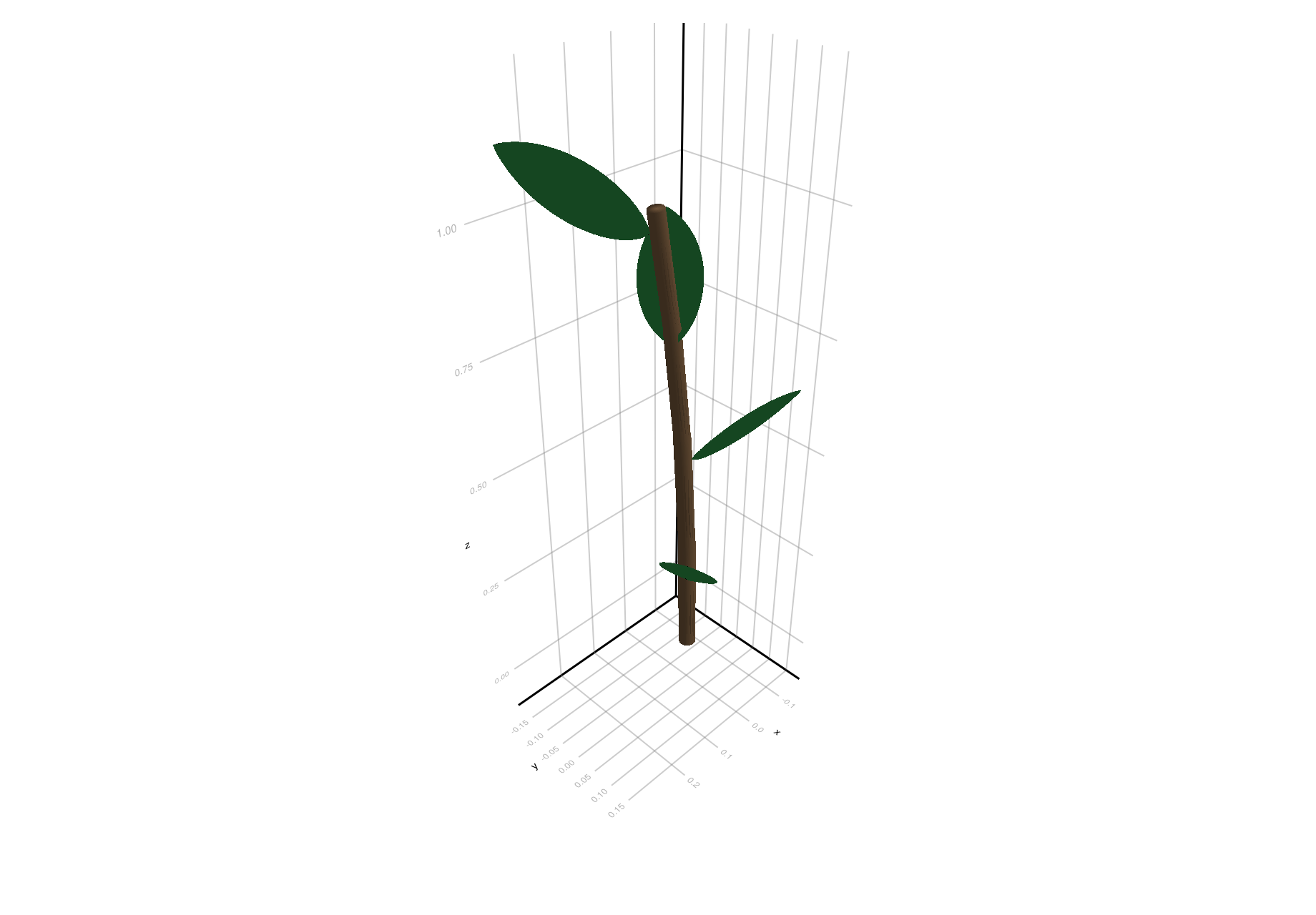
Why this is useful:
good starting point when data already has
Length,Width, insertion/euler attributesdeterministic and easy to compare with AMAP-style conventions
Workflow B: Grow Structure in Julia, Rebuild on Demand
This workflow is ideal when you want to simulate growth in Julia with explicit control over the growth loop, and rebuild geometry on demand. In this case, you build the topology and set attributes in a loop, and then call rebuild_geometry! when you want to update the geometry:
plant = let
    p = Node(NodeMTG(:/, :Plant, 1, 1))
    axis = emit_internode!(p; index=1, link=:/, length=0.18, width=0.022)

    for rank in 2:8
        axis = emit_internode!(
            axis;
            index=rank,
            length=0.17 * 0.95^(rank - 2),
            width=0.021 * 0.93^(rank - 2),
        )

        emit_leaf!(
            axis;
            index=rank,
            offset=0.80 * axis[:Length],
            length=0.21 + 0.02 * rank,
            width=0.032 + 0.003 * rank,
            thickness=0.010 + 0.0015 * rank,
            phyllotaxy=isodd(rank) ? 0.0 : 180.0,
            y_insertion_angle=54.0,
            prototype=:Leaf,
            prototype_overrides=(bend=0.10 + 0.06 * rank, tip_drop=0.02 * rank),
        )
    end

    rebuild_geometry!(p, prototypes)
    p
end

plantviz(plant, figure=(size=(980, 700),))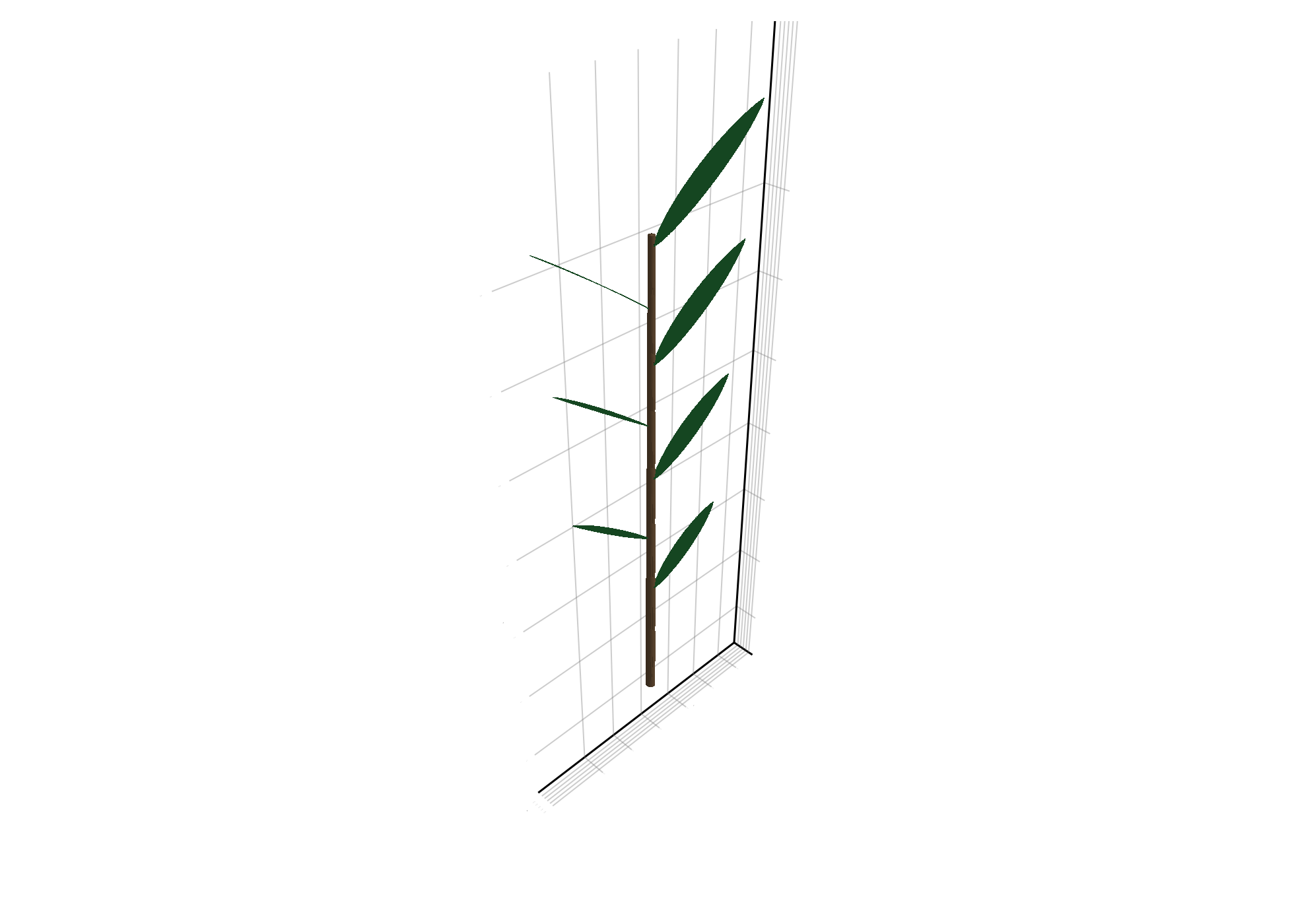
Why this is useful:
topology/attributes stay explicit and debuggable
you choose rebuild cadence for performance