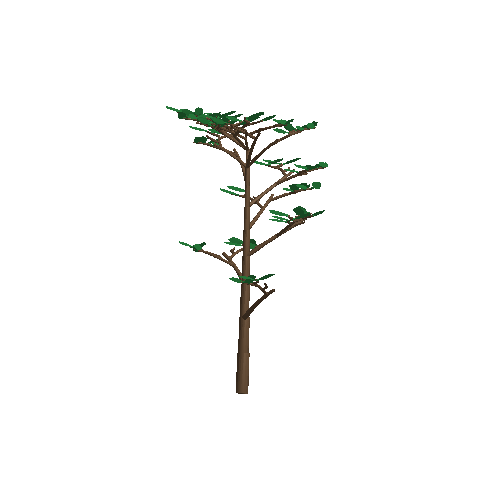
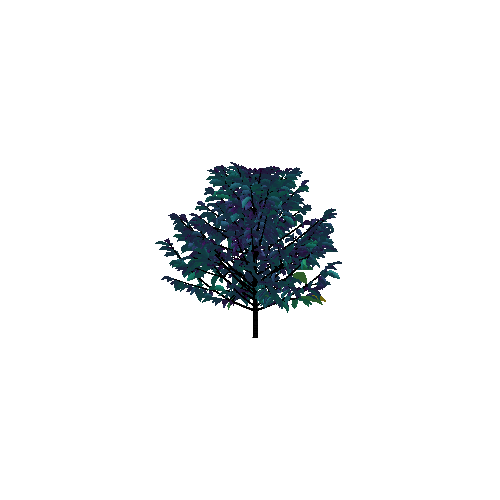
Read & write 3D files
Compatible with `.opf`, `.ops`, `.mtg` files and any standard format using MeshIO.jl
Read, build, reconstruct, and visualize 3D scenes with plants.
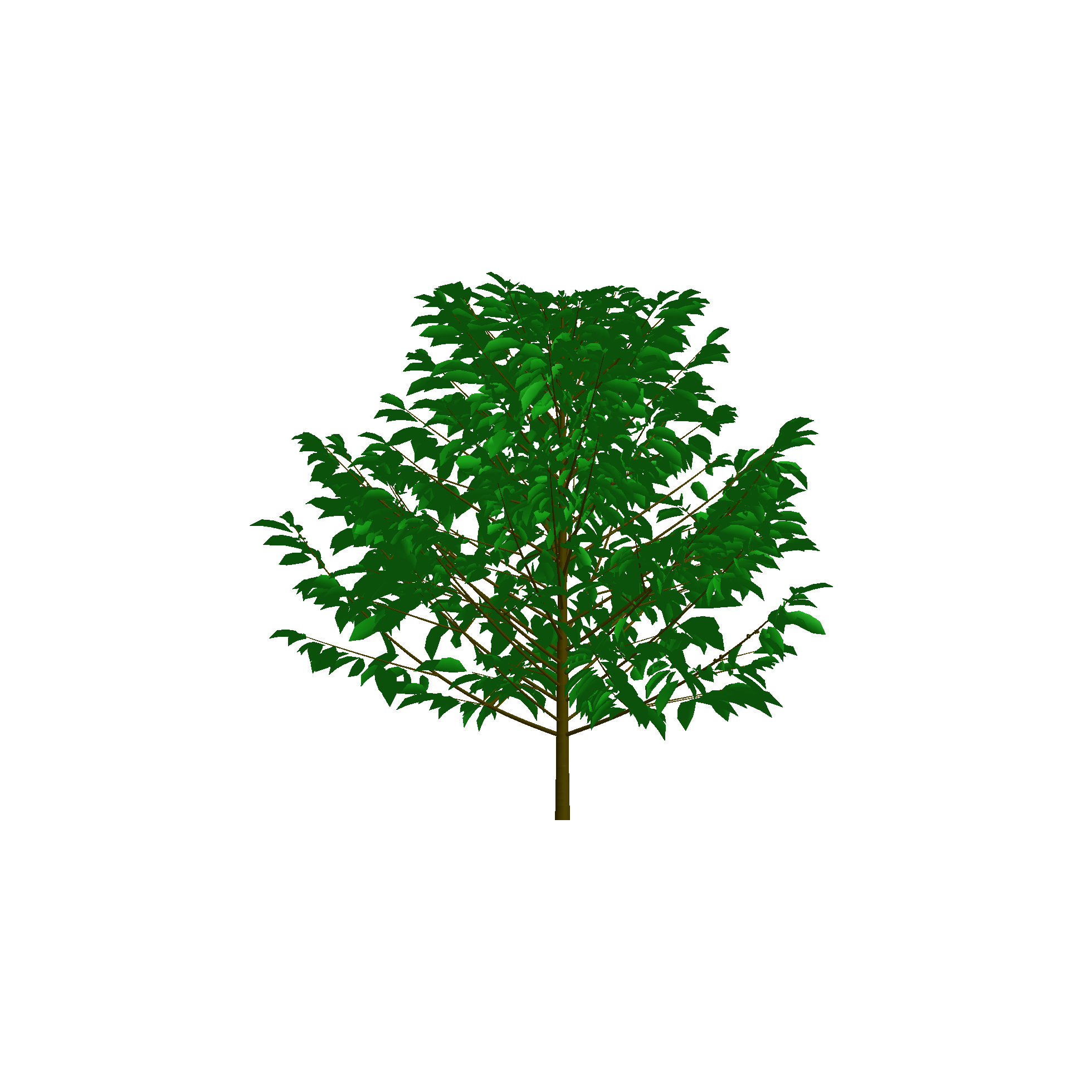
PlantGeom lets you build, reconstruct, and visualize 3D plants powered by Makie.jl.
Import the package and one of Makie's backends (e.g. CairoMakie or GLMakie)
Read a plant or scene from a file or build one with PlantGeom's API
Visualize it with plantviz
We can read a plant from an OpenPlantFormat file (.opf) and visualize it with plantviz:
using PlantGeom
using CairoMakie
files_dir = joinpath(dirname(dirname(pathof(PlantGeom))), "test", "files")
coffee = read_opf(joinpath(files_dir, "coffee.opf"))
plantviz(coffee, figure=(size=(980, 720),))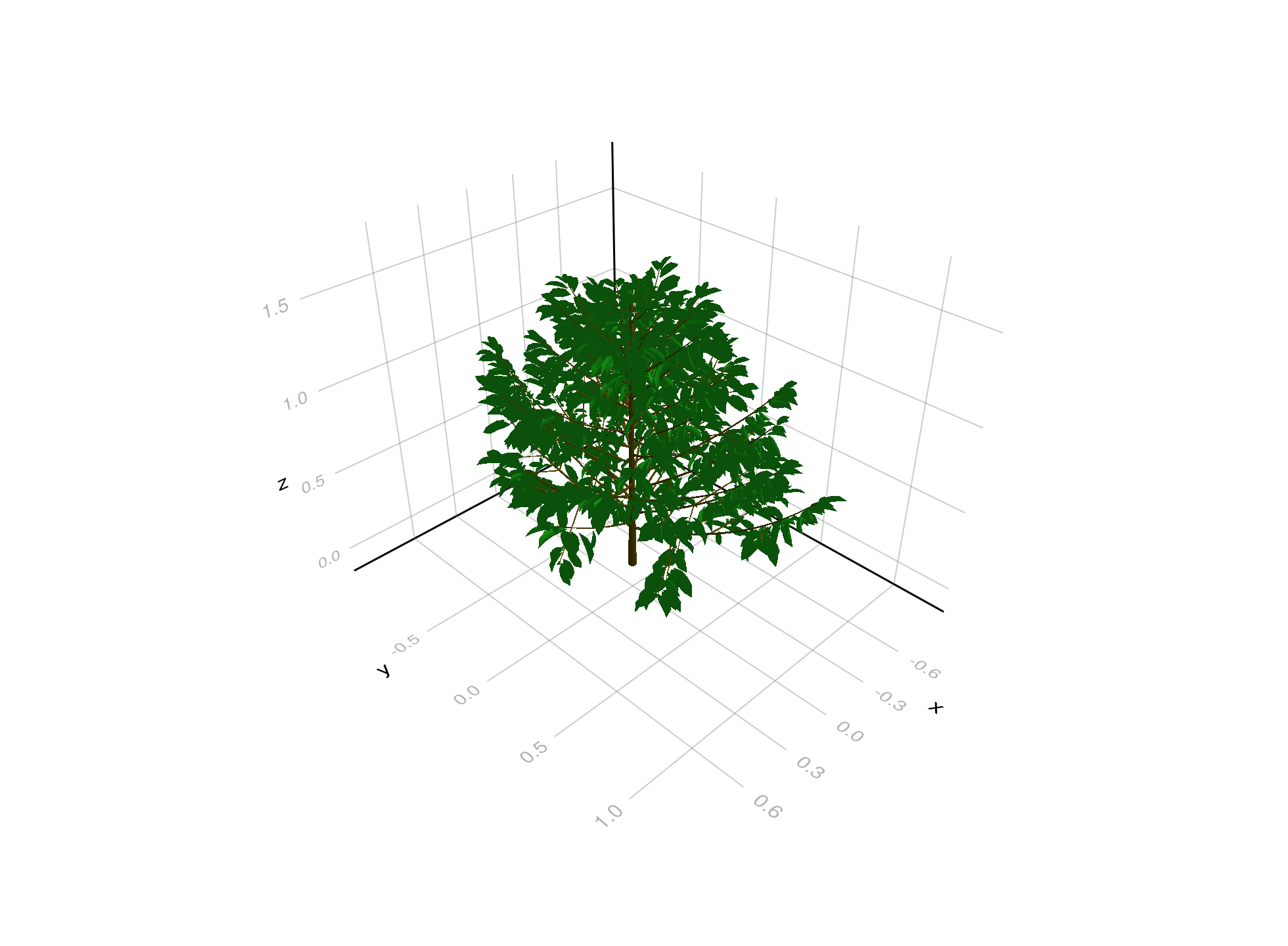
We can build a plant with PlantGeom's growth API, and we can also color it with any attribute, e.g. height:
using PlantGeom
using CairoMakie
include(joinpath(pkgdir(PlantGeom), "docs", "src", "getting_started", "tree_demo_helpers.jl"))
tree_demo = build_demo_tree_with_growth_api()
f, ax, p = plantviz(tree_demo, figure=(size=(860, 780),), color=:ZZ)
colorbar(f[1, 2], p, label="Height")
f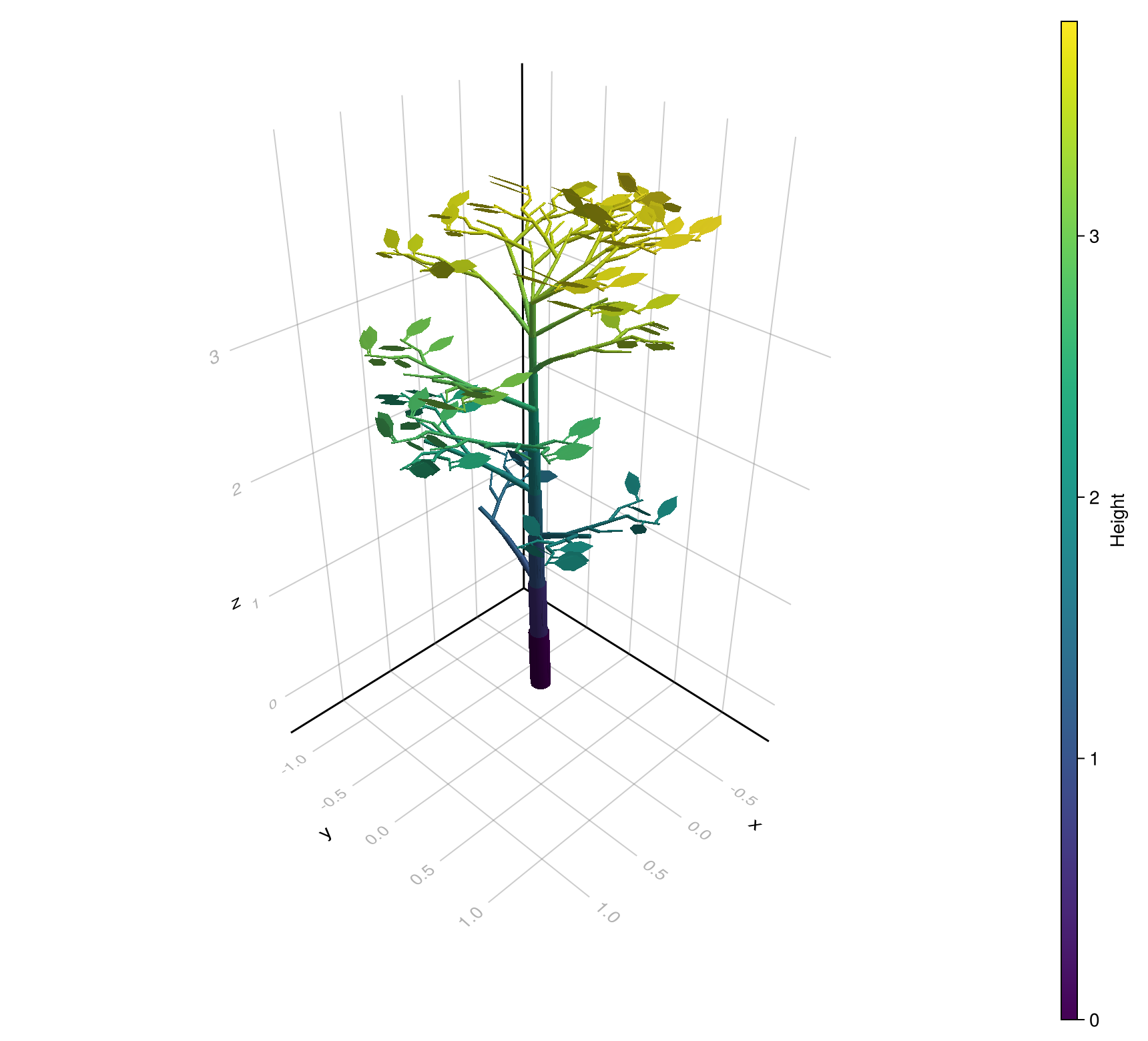
You can also read an MTG (Multi-Scale Tree Graph) and PlantGeom will automatically build its geometry based on the standard MTG's topology and attributes along with reference meshes for organs:
using PlantGeom
using MultiScaleTreeGraph
using GeometryBasics
using Colors
using CairoMakie

mtg = read_mtg(joinpath(pkgdir(PlantGeom), "test", "files", "reconstruction_standard.mtg"))
stem_reference_mesh = RefMesh("stem", GeometryBasics.mesh(GeometryBasics.Cylinder(Point(0,0,0), Point(1,0,0), 0.5)), RGB(0.5, 0.38, 0.26))
leaf_reference_mesh = lamina_refmesh("leaf"; length=1.0, max_width=1.0, material=RGB(0.2, 0.62, 0.30))
prototypes = Dict(:Internode => RefMeshPrototype(stem_reference_mesh), :Leaf => RefMeshPrototype(leaf_reference_mesh))
set_geometry_from_attributes!(mtg, prototypes; convention=default_amap_geometry_convention())
plantviz(mtg, figure=(size=(900, 620),))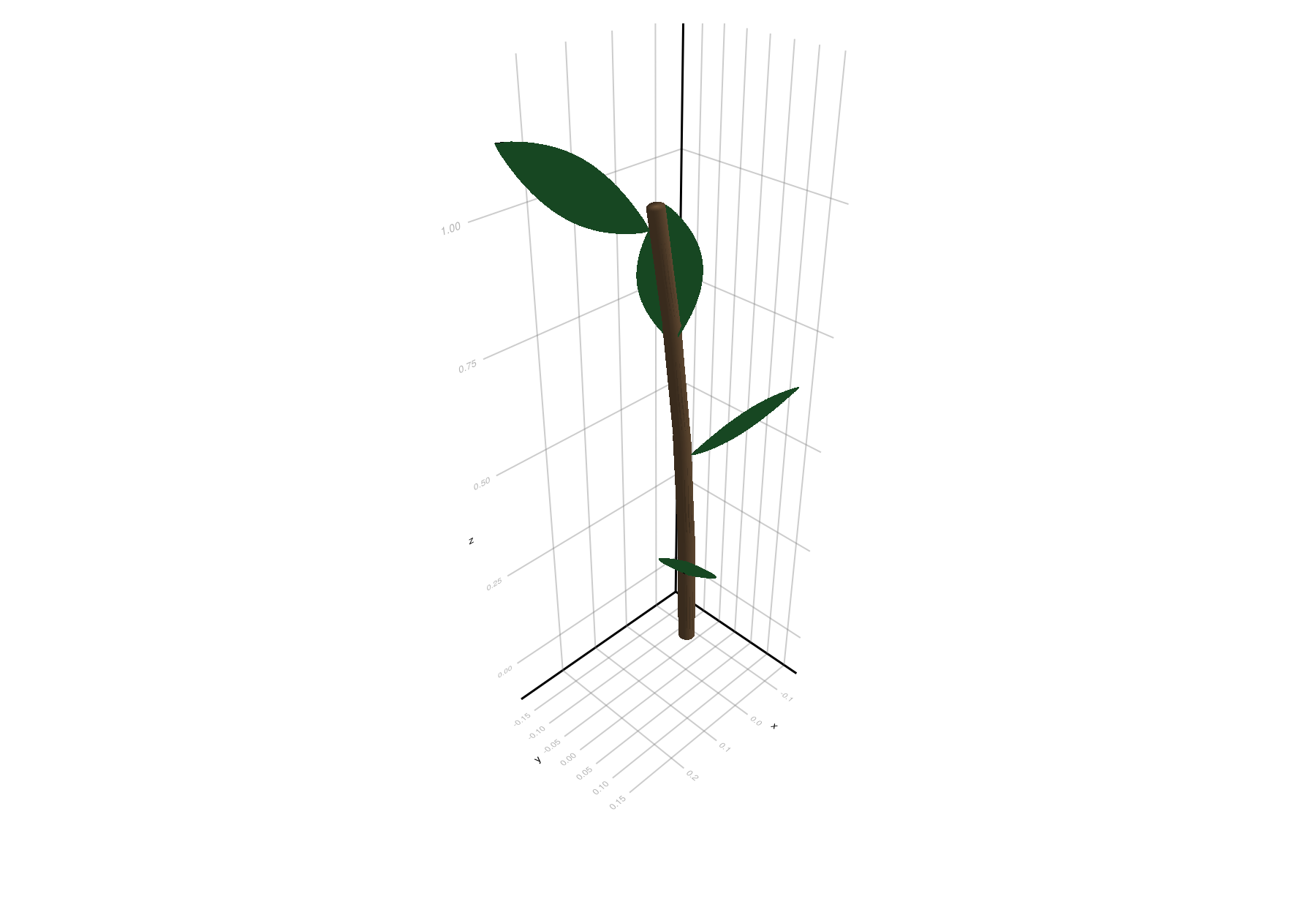
Here's a mini glossary of some of the terms used in PlantGeom.jl documentation:
| Term | Practical meaning |
|---|---|
Node | A node (computer-graphics node, not botanic) representing one organ instance (stem segment, leaf, etc.) |
MTG | graph made of connected Nodes storing topology + attributes |
RefMesh | reusable normalized reference mesh for organs, e.g. the mesh used for the leaves |
Prototype | rule for turning node attributes into geometry |
rebuild_geometry! | explicit geometry generation/update step |