ArchimedLight.jlLet there be light.
Radiation interception, absorption, and scattering in 3D scenes.
Radiation interception, absorption, and scattering in 3D scenes.
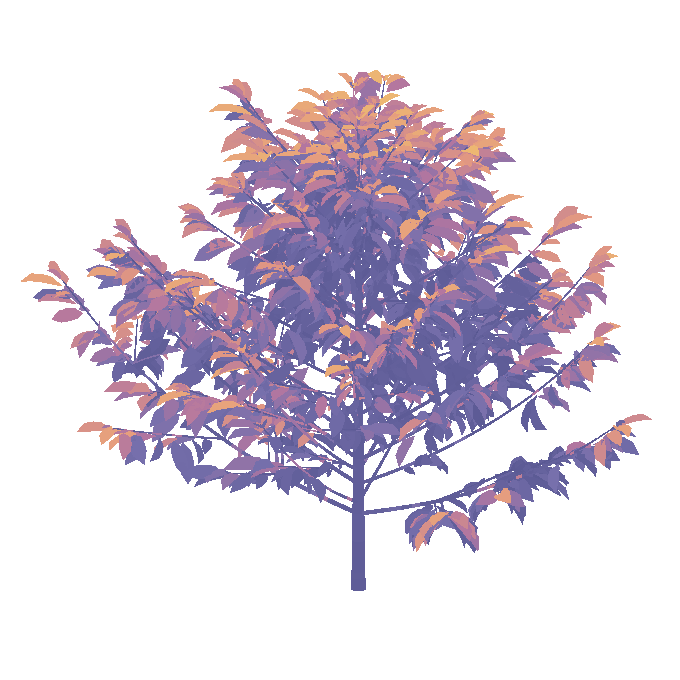
ArchimedLight.jl computes light interception and scattering in three-dimensional scenes, from individual organs or objects to crop canopies, using a fast radiation transfer model. Read an existing scene or build one in Julia, simulate its light environment, and inspect incident and absorbed radiation for each organ.
Choose a wheat mesh or a voxel tree above terrain. Change the hour and options; light calculations run live in your browser.
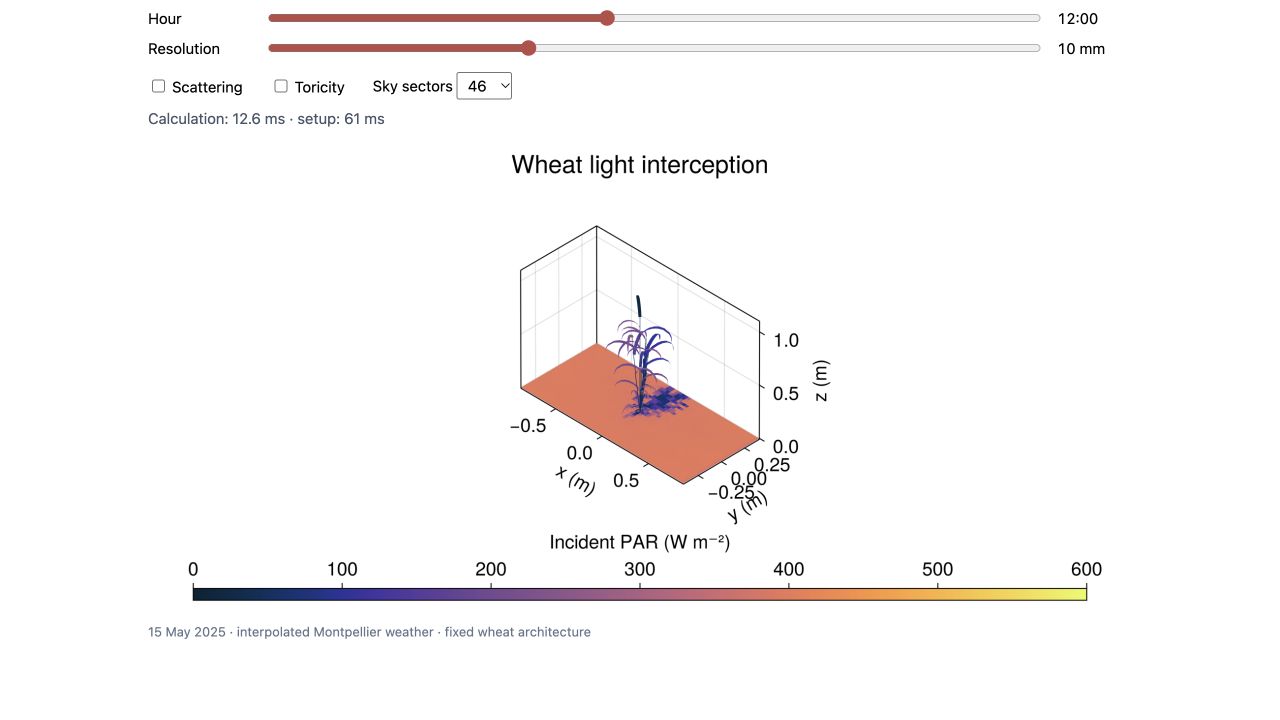
Wheat architecture generated with ArchiCrop (Braud et al. 2026). Colours show incident PAR irradiance on the plant and ground.
Open standalone demo.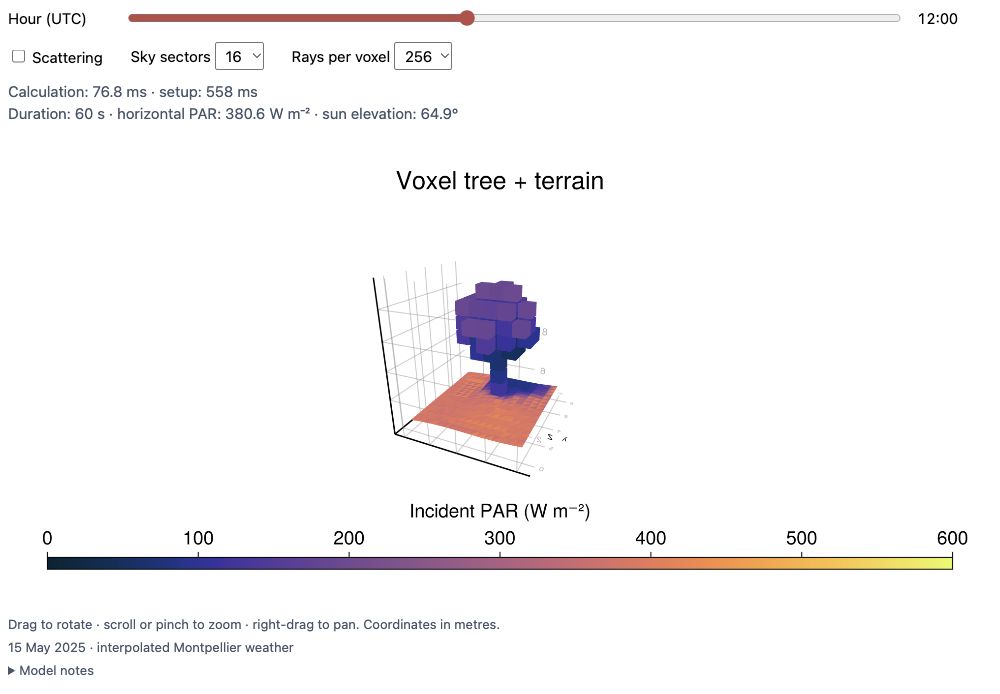
A tree from the bundled JSONL.gz example above a PLY terrain. Colours show incident PAR irradiance on the plant and ground.
Open standalone demo. Follow the voxel workflow.Both examples use interpolated Montpellier weather for 15 May 2025 and ArchimedLight compiled to WebAssembly.
The wheat benchmark has an unspecified cultivar. See the source, provenance and validation notes for its scope and reproduction.
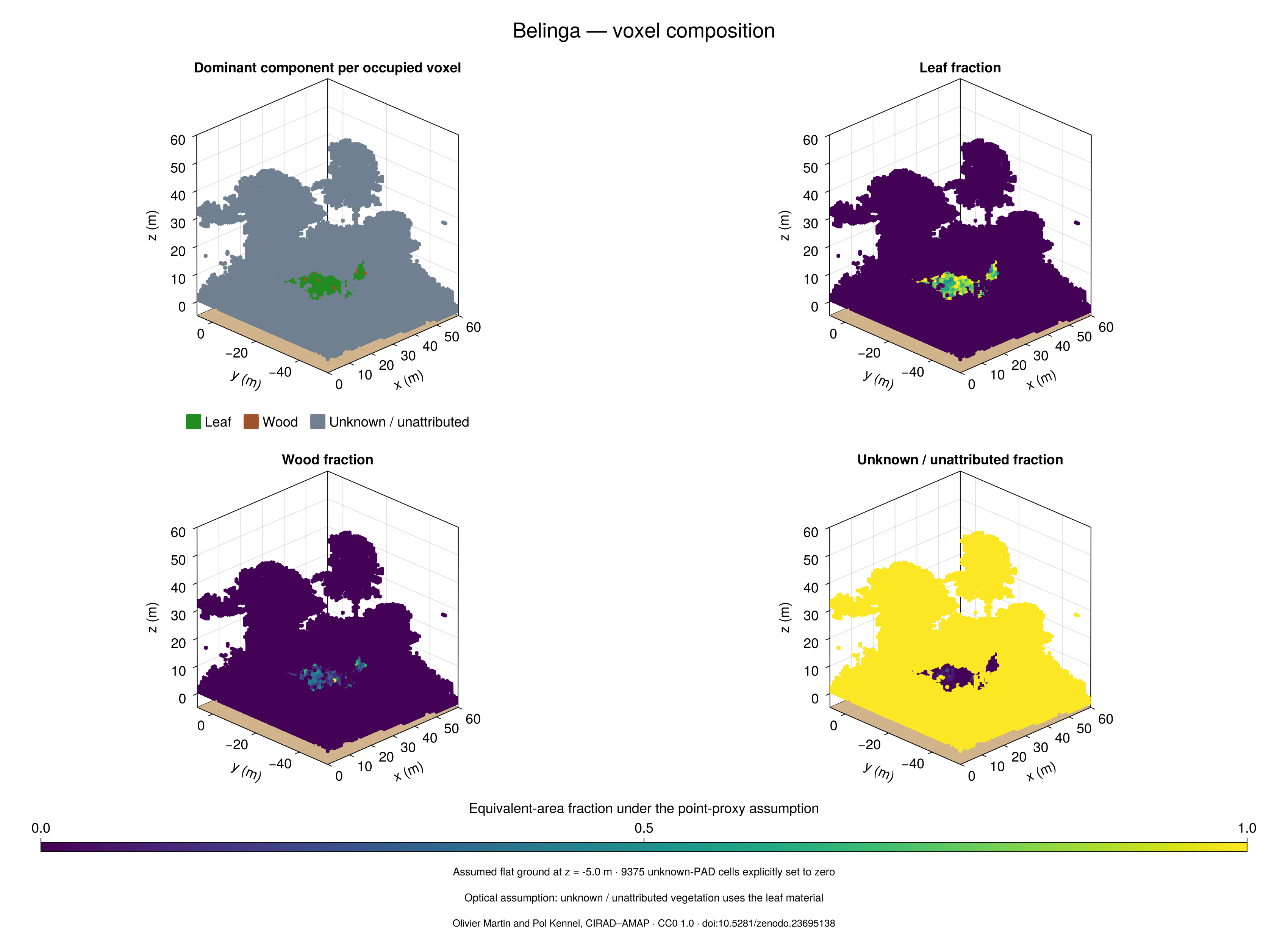
The voxel example uses individual leaf/wood point proportions, illustrative optical properties and finite boundaries. See the voxel modelling guide for its assumptions.
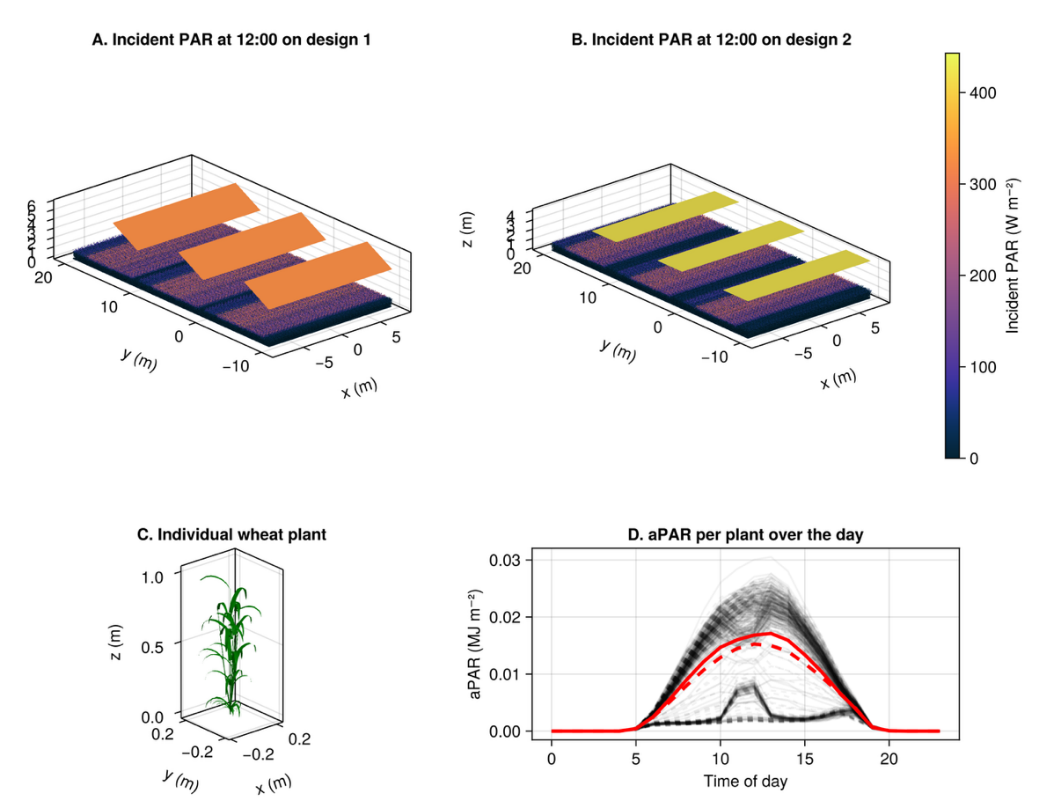
The day-cycle animations run the wheat and agrivoltaic wheat benchmark scenes every 30 minutes over a representative clear-sky day. About 2,500 receiving ground tiles show the moving shade on the same incident-PAR scale. Reproduce them with docs/make_video/make_video.jl.
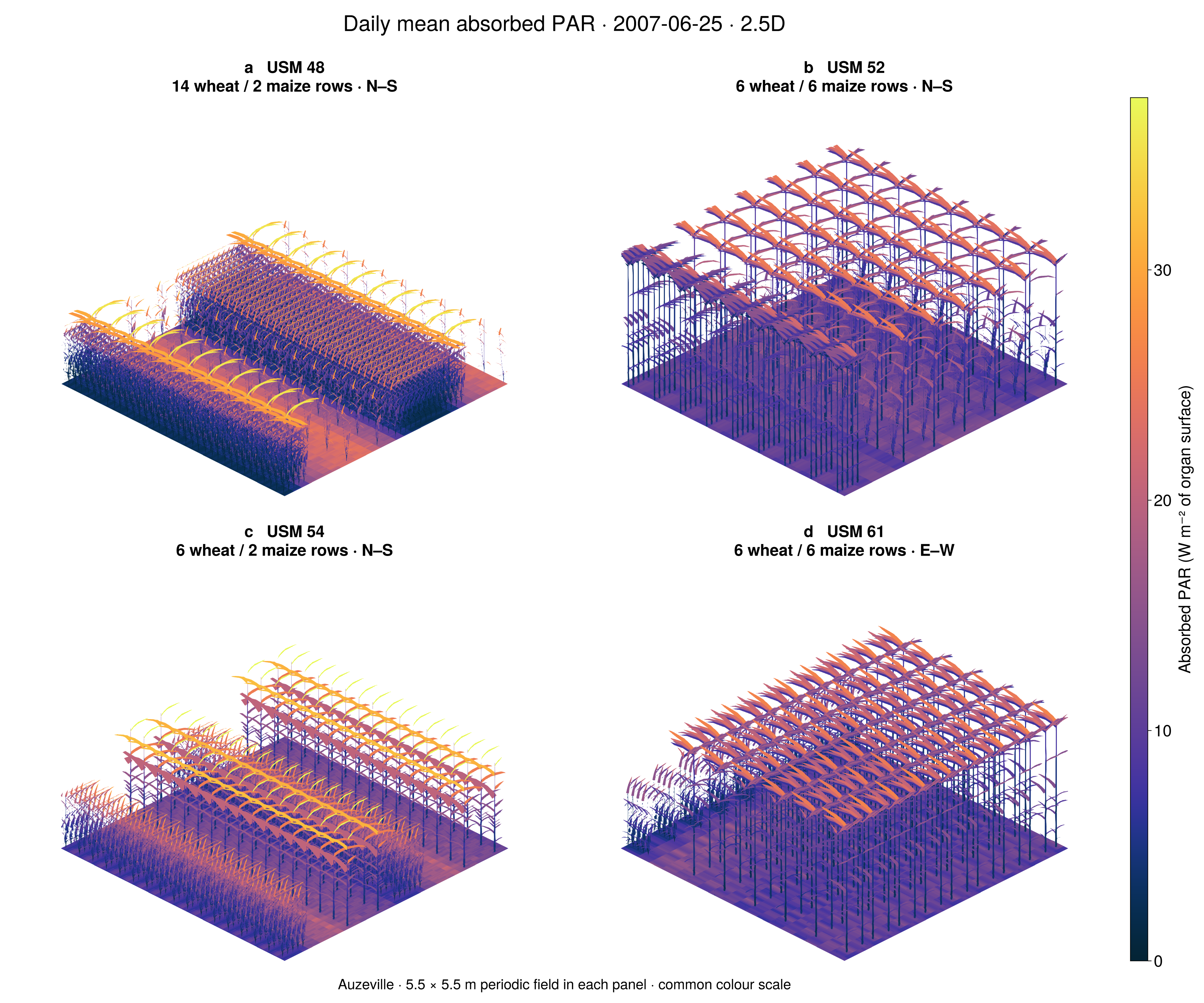
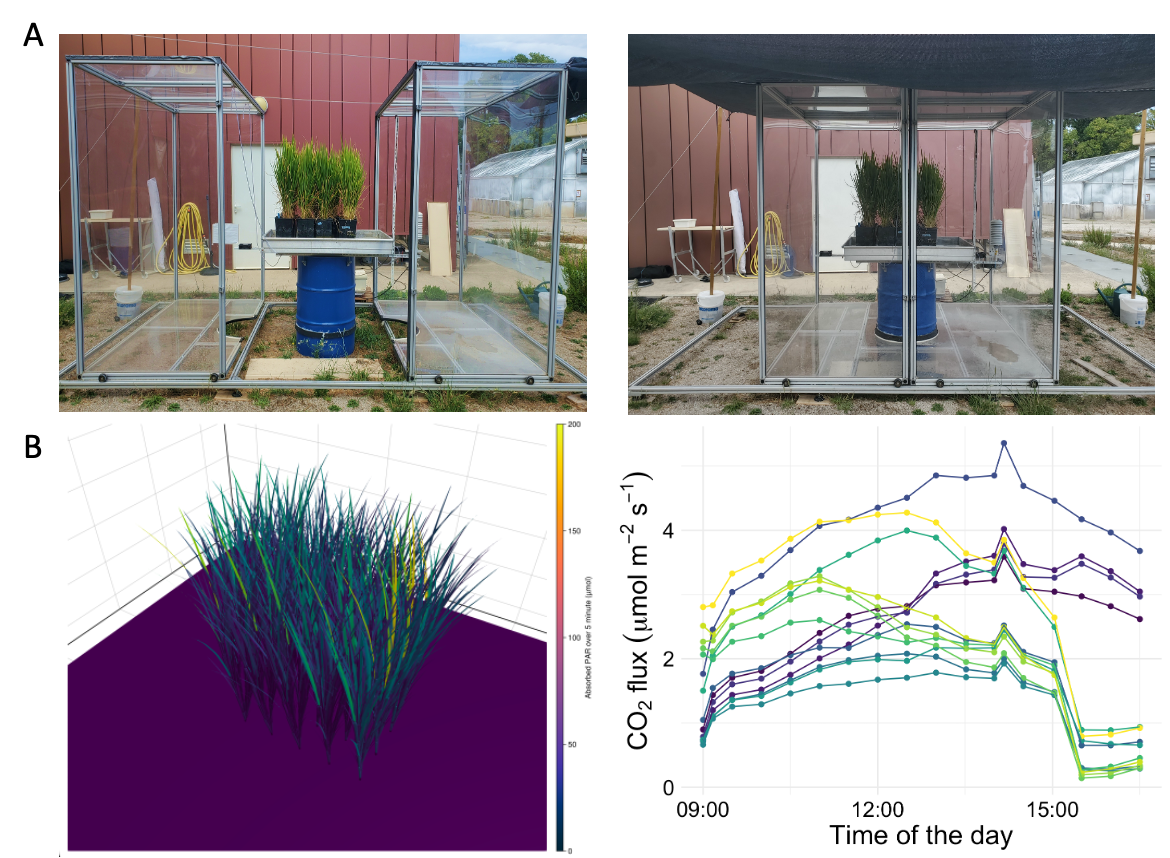
Explore how ArchimedLight is used to study light in measured plant architectures, mixed crops, and environments shaped by solar panels.
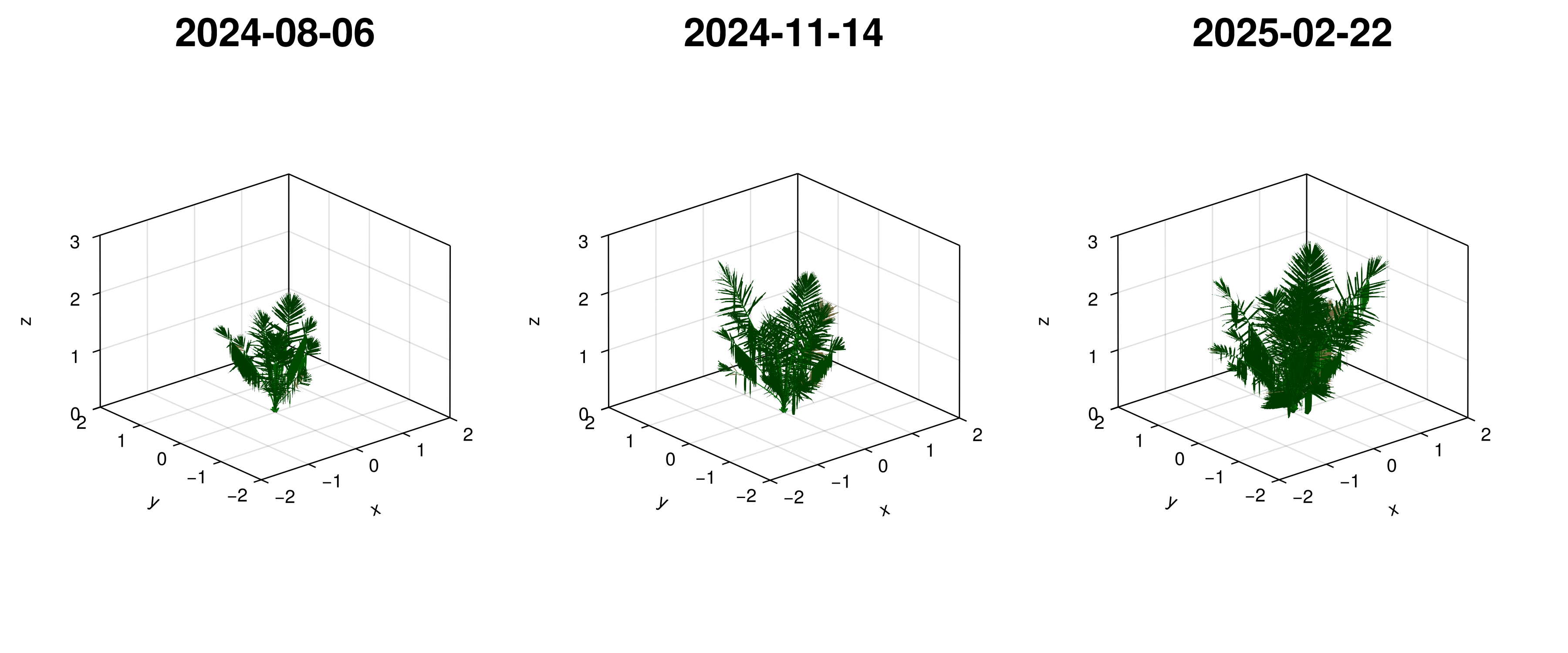
This tutorial simulated a coffee plant in a 3D scene.
using ArchimedLight

repo_root = normpath(joinpath(dirname(pathof(ArchimedLight)), ".."))
config = joinpath(repo_root, "example_2", "config.yml")
sim, meteo = read_simulation(config)
update_options!(sim, LightOptions(sim.options; pixel_size=0.01))

step = run_light(sim, first(meteo))

step.budget.incident_flux.total.par;
step.budget.absorbed_energy.total.par;
The simulation results are returned as a LightBudget, grouped by quantity and waveband. You can then export the results and plot them easily. Look at the getting started page to see how.
Getting Started: run your first simulation.
Voxel Modelling: work with PAD grids, individual leaf/wood mixtures, and terrain instead of organ meshes.
File-Based Workflow and Interactive Workflow: load a scene or build one in memory.
Model Pipeline and Evaluation: understand the methods and their validation.
PlantSimEngine Coupling: connect light to other plant processes.
Configuration, Outputs and API Reference: find exact options and result definitions.